
Position a watch before a photo shoot
⌚ Optimize your watch shootings: 10:10 rule, 45° angle, ported rendering or 360° animation. Increase visual quality and productivity.
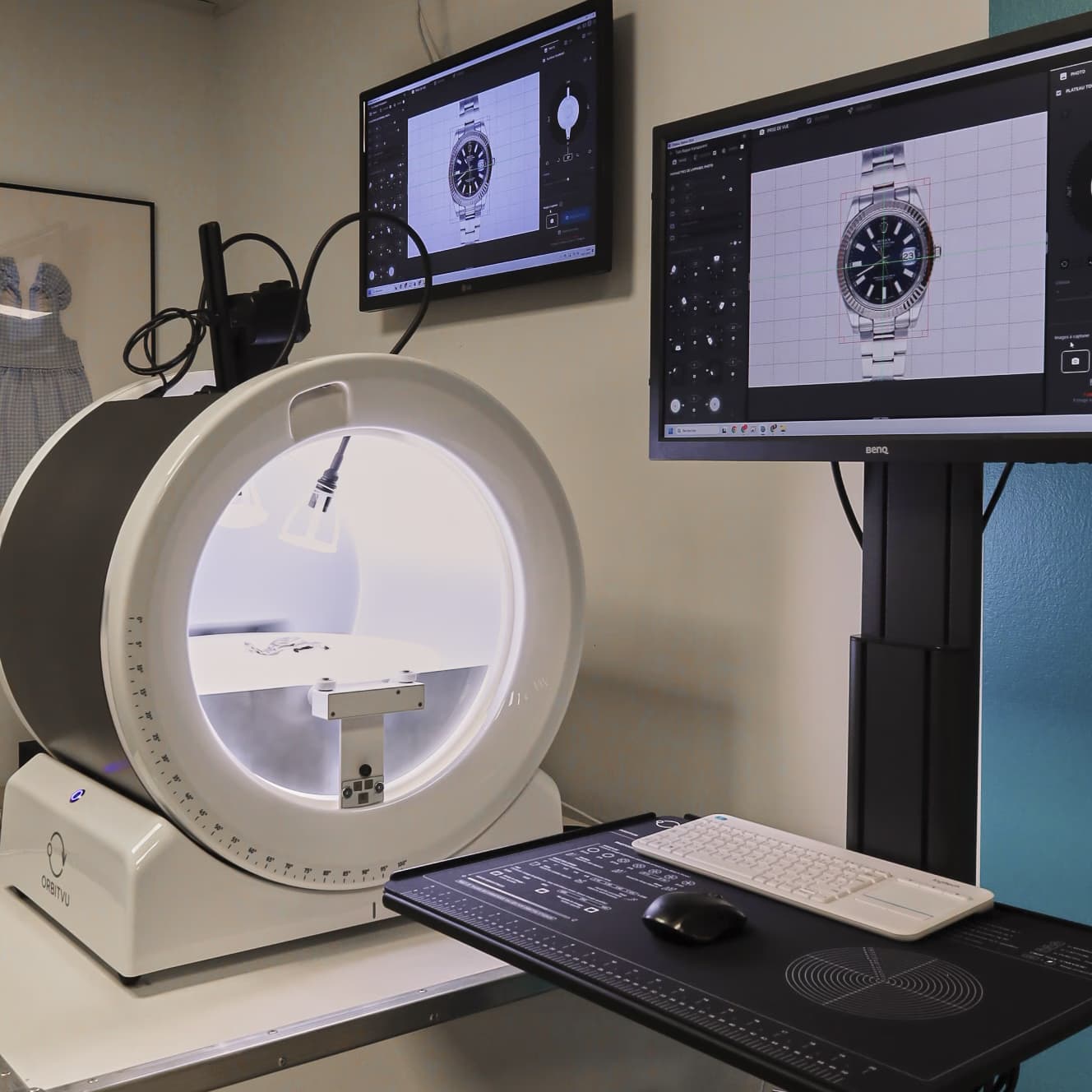
You want Succeed in the photography of your watches for your site e-commerce ?
This guide shows you how position your models in a professional manner to value each detail : dial, needles, wristband, texture.
Thanks to automated photo studios Like the Alphashot Micro v2 and at Orbitvu Station software, you'll get consistent, sharp, and compelling visuals. Follow us key steps for a high-end watch look. 👓📷
Preparation: the rule of the needles at 10:10
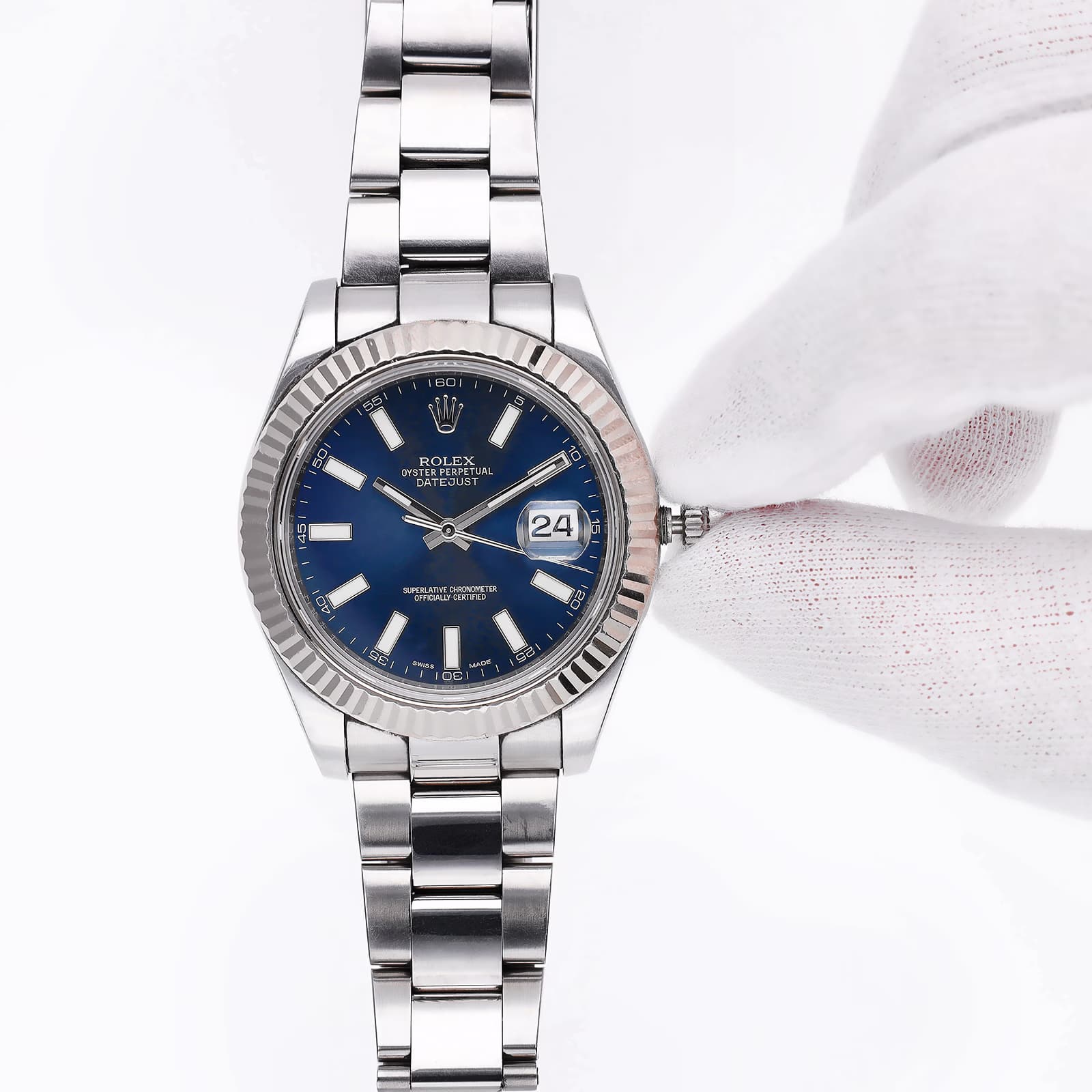
After cleaning your watch (discover our Tutorial on cleaning a watch before shooting), position its needles at 10:10am.
This is a nod to the introduction of the time of universal reference, and it is also a aesthetic position. The hands will not hide complications and dials such as the power reserve of an automatic watch.
Flat shot: highlight the details of a watch
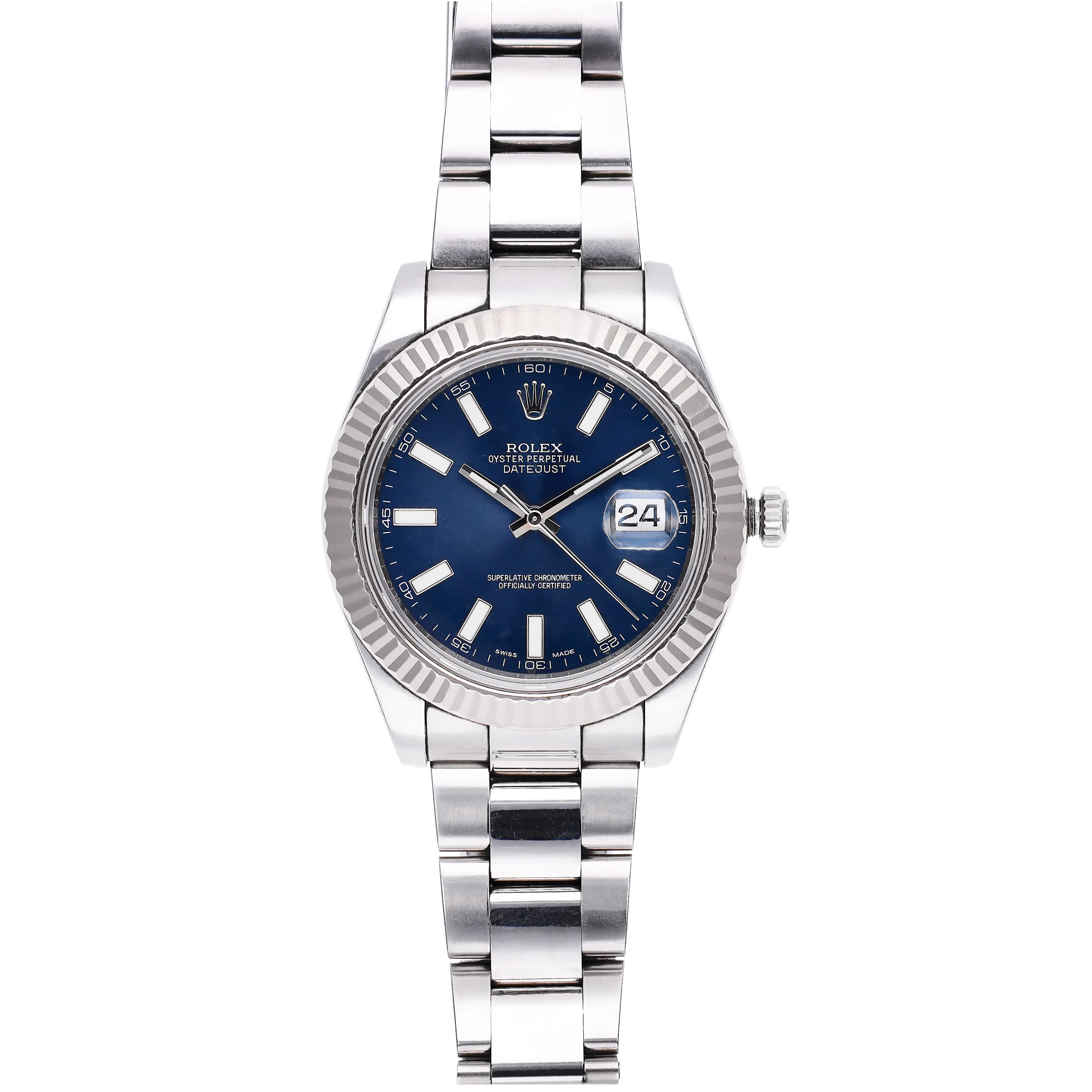
📍 Put the watch down Flat in the center of your studio, indicated by A point in the middle of the board rotating, then position the camera above your studio.
🔍 Use this configuration for 2D photography And the close-up photography components: bracelet clasp, crown, dials.
Flat photo with a camera positioned at 45°: the 3D effect
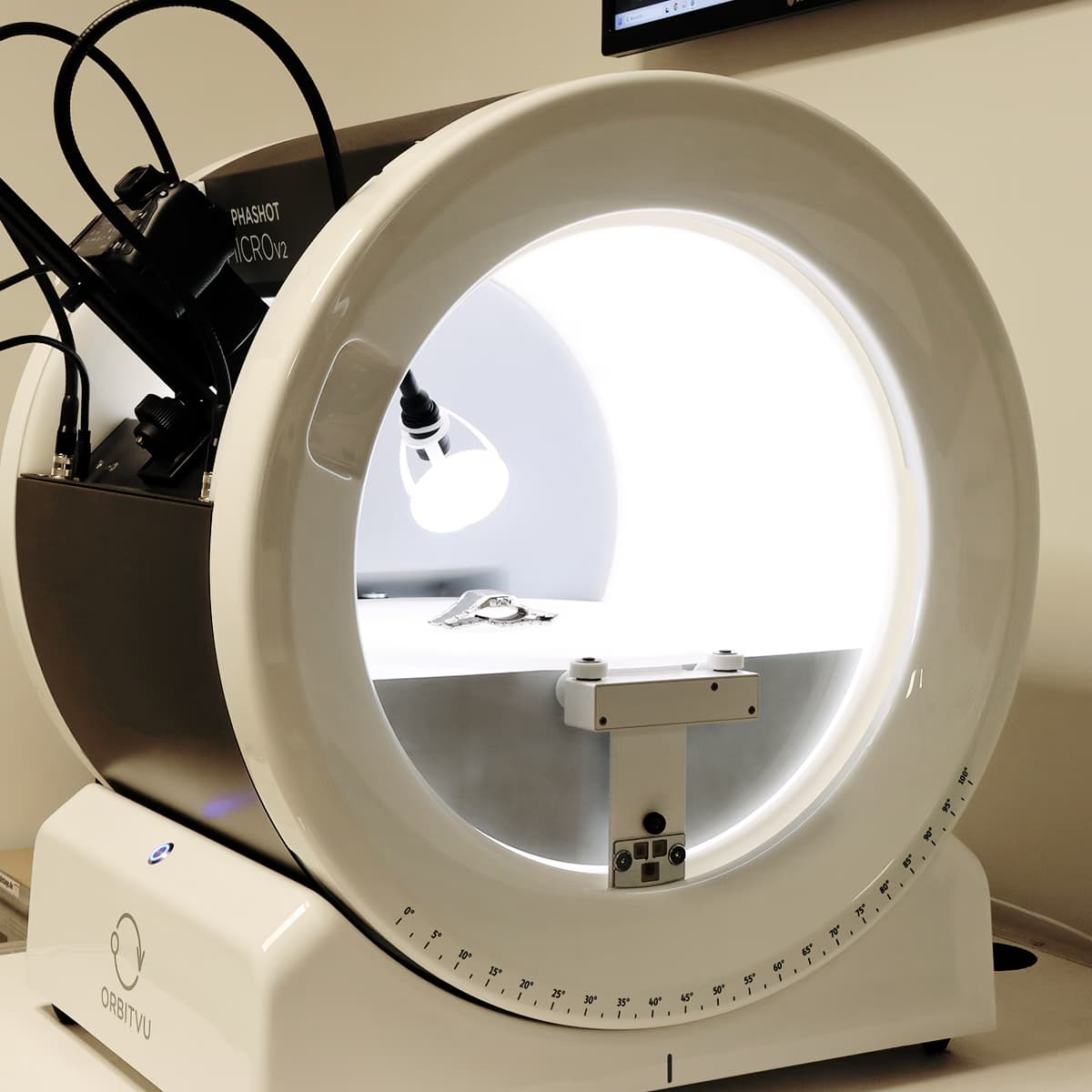
The watch is also arranged Flat in the studio.
Place the 45° camera to achieve a diving effect. This 3D position will, for example, highlight the reliefs and details of the dial.
💡 Lighting must be adjusted to accentuate or attenuate them. Then rotate the image to get the angle you want.
Give a watch an impression of range
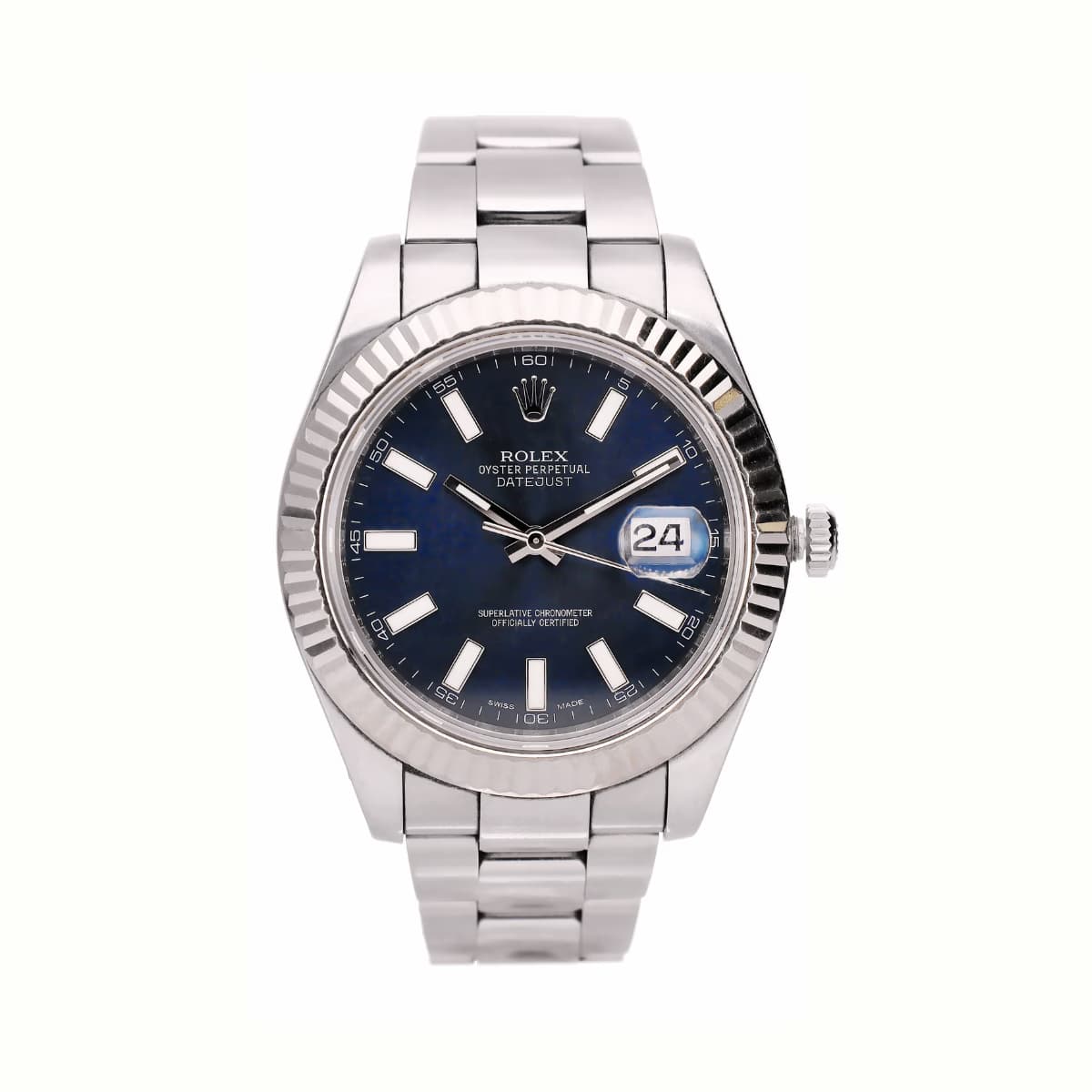
⌚️To create the illusion of a worn watch, use a vertical stand And a rigidifier in your photo studio.
📷 Position the watch Center of the plateau and shoot From the front With a macro lens adapted, to reveal the fine dial details And of wristband. This type of shooting is ideal for realistic presentation on your e-commerce site.
🔄 The plexiglass holder may appear on some views (especially under the bracelet), but it disappears easily thanks to the IQ Mask automatic clipping. It also allows you to make a smooth 360° animation of the watch.
👉 Also discover our tutorial for make 360° jewelry animations with perfect sharpness.
Frequently asked questions
What are the financial benefits of a well-optimized shooting setup?
What is the best way to capture the details etched on the dial?
Why is the Alphashot Micro V2 ideal for watch photography?
Can a single capture profile be used for several types of watches?
How do you make sure that the camera is correctly positioned at 45° to the studio set?
Need personalized guidance?
Our PackshotCreator experts are available to help optimize your product photography workflow.
Contact us